Simple takeoffs,
right on your screen.

Upload a PDF plan. Set the scale. Quantify anything on your screen with a few clicks.

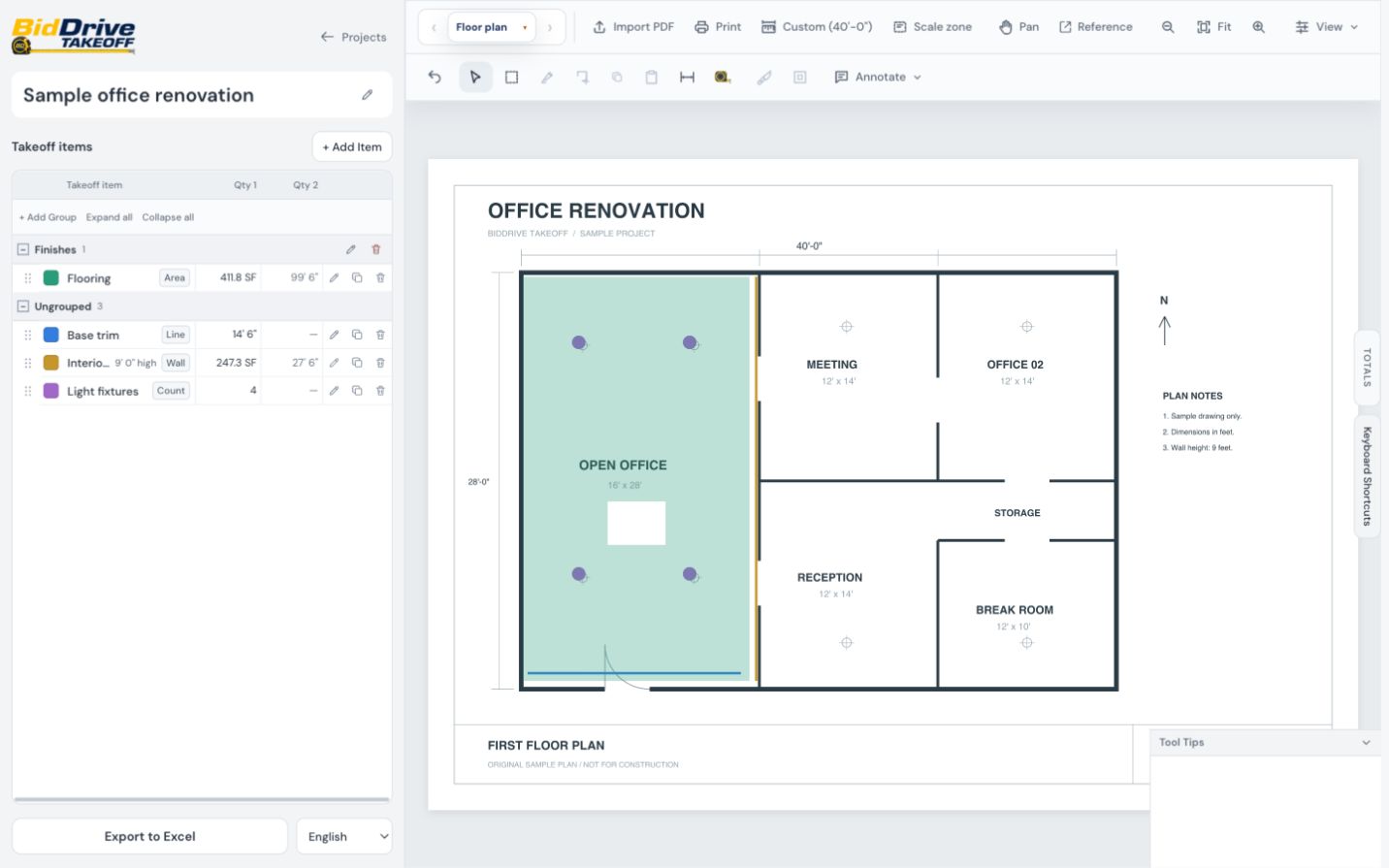
BidDrive Takeoff editor with flooring, wall area, base trim, and counted lights on a sample office plan.

Measure:

  • Area
  • Linear feet
  • Wall area
  • Volume
  • Sloped area
  • Count
ImperialMetric
EnglishEspañol

Skip the printing. Put down the scale ruler.

Measure areas, lengths, and counts directly from your PDF plans with just a few clicks.

Upload your digital drawings.
Set your scale.

Quickly set your scale if provided or use a known dimension on the plan.

Try it in the demo
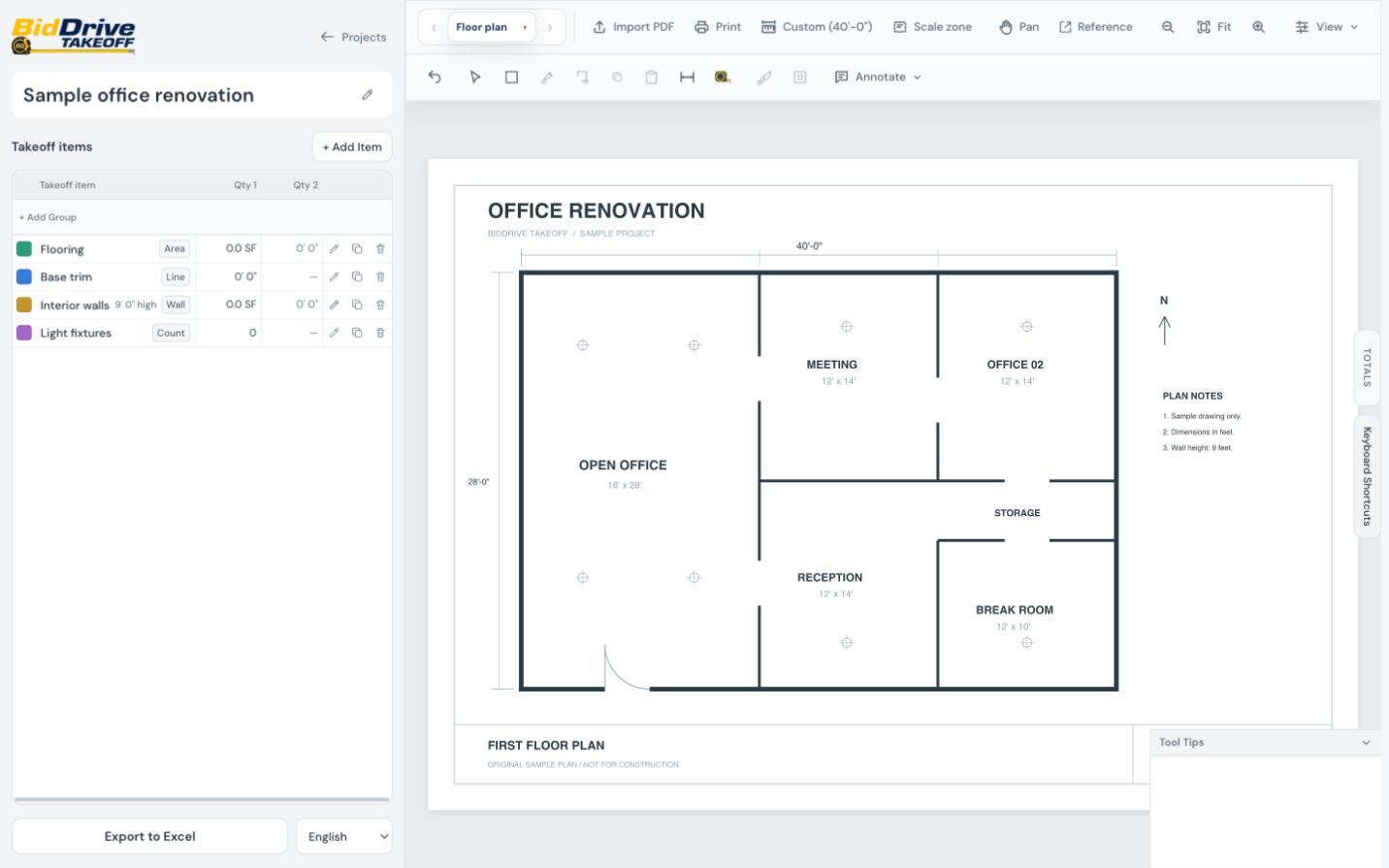
Calibrating the sample plan from a 40-foot dimension.

Add your takeoff items.

Need to calculate an area for flooring, ceilings, or concrete? Just click the corners of the room.

Try it in the demo
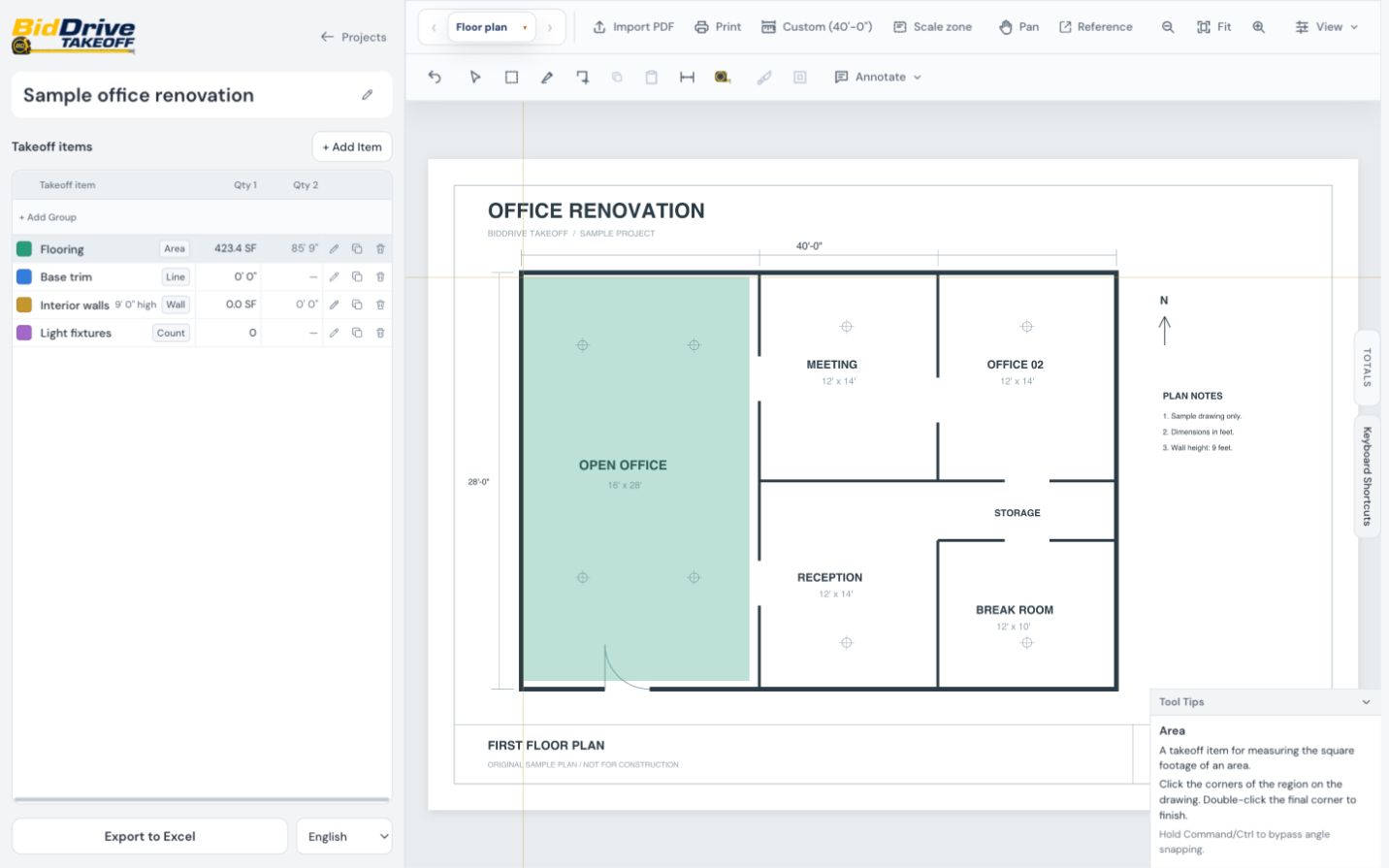
Drawing a flooring area in the actual editor.

Grab your totals.

When it's time to put your estimate together or order materials, grab your project totals at any time.

Try it in the demo
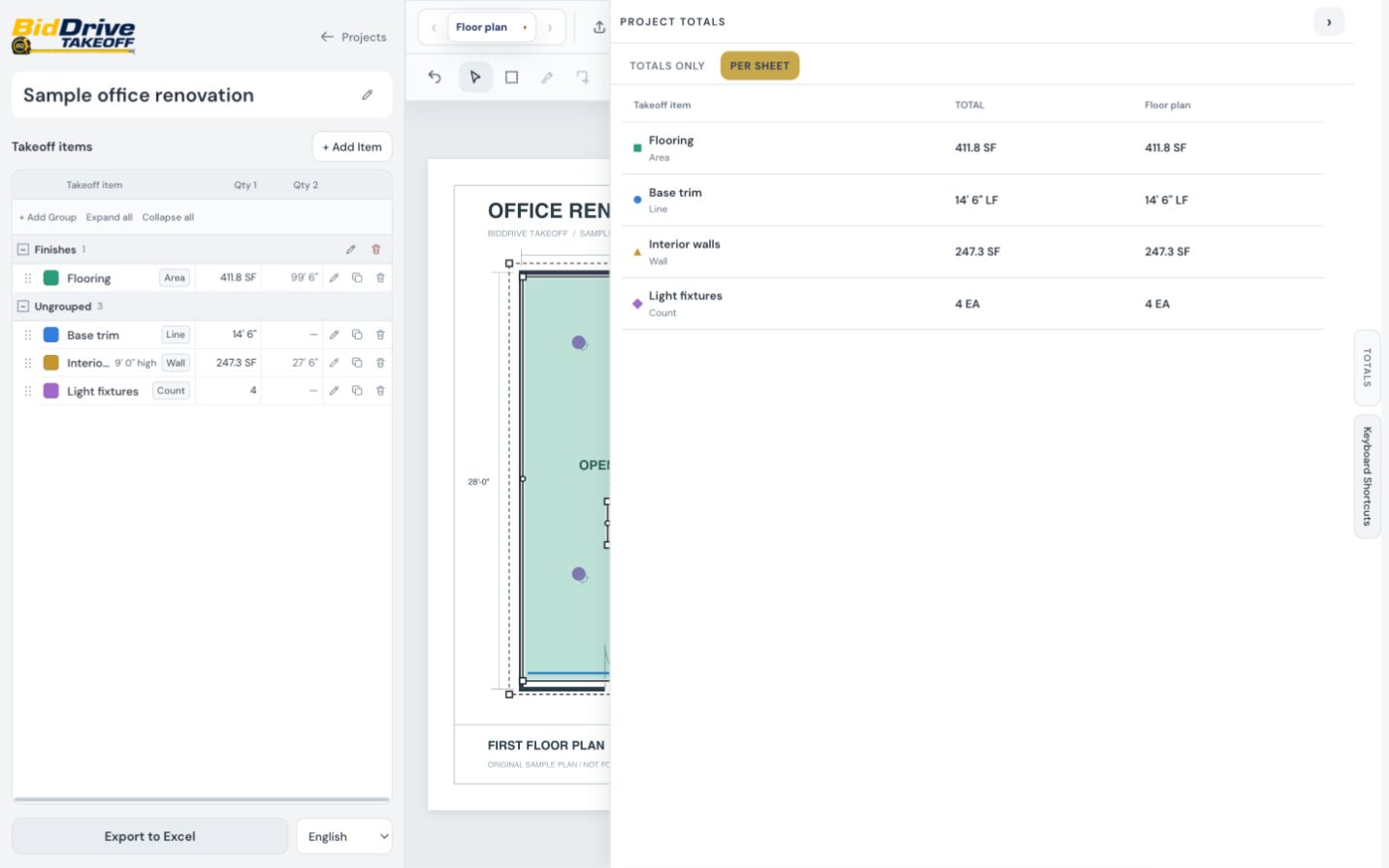
Reviewing project totals and per-sheet quantities.

Let's get started.

Choose monthly or annual billing.

See the tools

Takeoff

Billing period

$45/month

Billed monthly.

  • Area, length, wall area, volume, sloped area, and count
  • Automatic symbol counting
  • Group quantities by material or trade
  • Sheet and project quantity totals
  • Excel export and takeoff printing
Get Started

Takeoff MAX

Coming soon

Automatic takeoffs.

All Takeoff features, plus:

  • Automatic Room Detection and Takeoffs
  • Automatic Floor Pattern Estimating
  • AI setup of trade-specific items from plans and schedules

Waitlist only. No payment.

Paid plans are not available yet. Creating an account does not start a subscription.

A few quick answers.

Can I use my own plans?

Yes. Upload PDF plans to your private account.

Can I fix a measurement?

Yes. Edit your measurements, undo changes, and cut out openings.

Can I print or use Excel?

Yes. Print your takeoff or export sheet and project totals to Excel.